Downloads
Software
Manuals
Documentation
Visuals
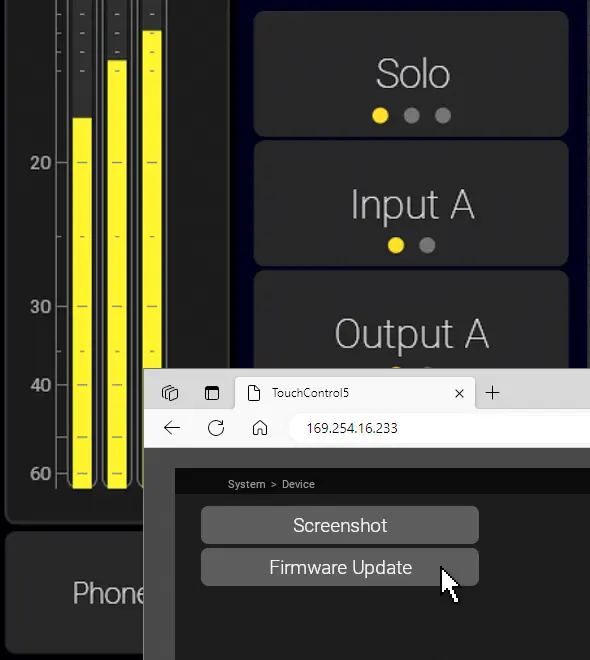
How to update
TMxCore, TouchControl 5, TouchMonitor 5
Download the firmware
Open the Webapp
System > Device > Firmware Update
Follow Instructions
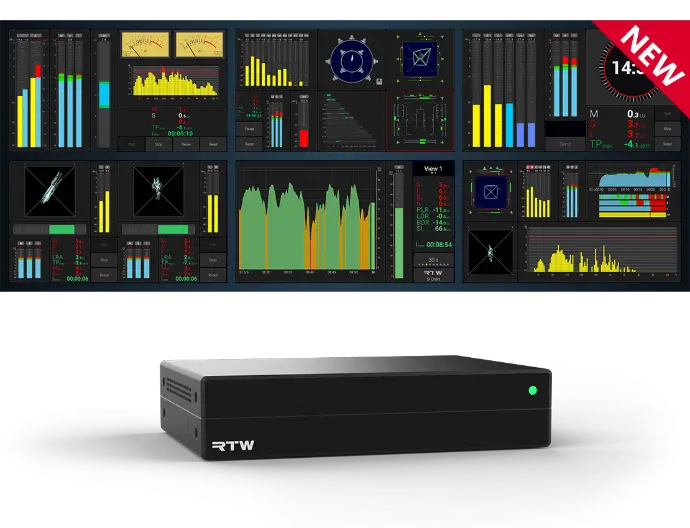
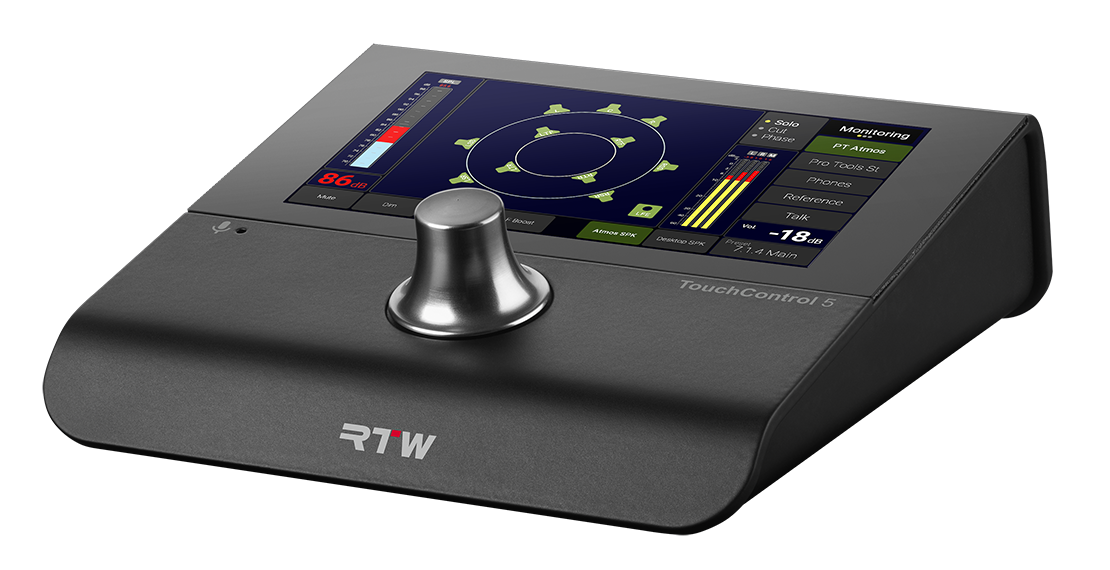
TouchControl 5
Documentation
Detailed Manual
Detailed Manual, JP
Quick Start Guide
Quick Start Guide, JP
Data Sheet
Visuals
Image Package
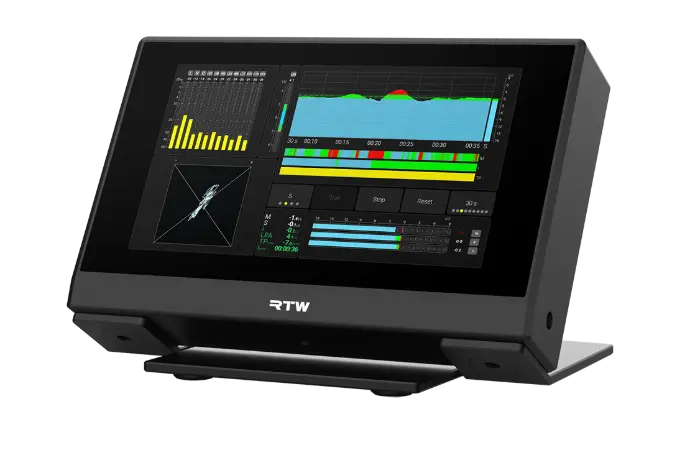
TM9
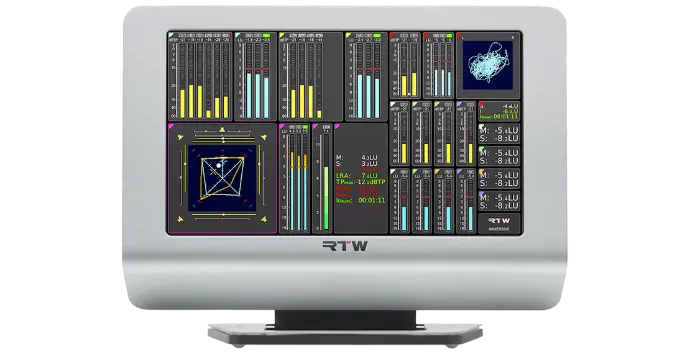
Firmware version 8-05
Important note on updating the firmware
The firmware version of your unit shall be checked: Touch Menu, then touch Info! Depending on that version, interim updates shall be executed!
Mandatory order of updates: 1-0 --> 1 -15 --> 2-17 --> 2-30 --> 2-38 --> 5-11 --> then higher versions.
Please contact us, if you need interim updates!
TM7
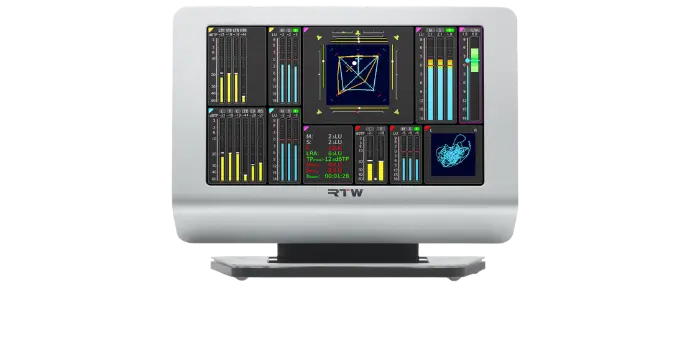
Firmware version 8-05
Important note on updating the firmware
The firmware version of your unit shall be checked: Touch Menu, then touch Info! Depending on that version, interim updates shall be executed!
Mandatory order of updates: 1-0 --> 1 -15 --> 2-17 --> 2-30 --> 2-38 --> 5-11 --> then higher versions.
Please contact us, if you need interim updates!
Documentation
Detailed Manual
Quick Start Guide
Data Sheet
TM7-MA3U | -MAVID
Assembly 19"-3U Rack
Visuals
Image Package
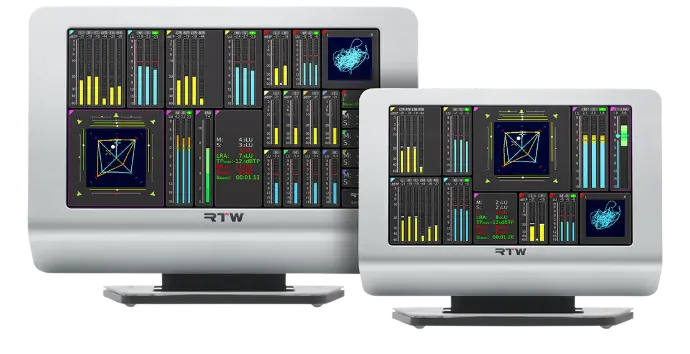
RTW Firmware for Dante® Network Interface
Important note on updating the Dante® firmware
The firmware version of your Dante® interface shall be checked: Touch Menu, then System, Audio and AoIP Name. With the AoIP Name displayed, you will find the firmware version of your device in the Dante® Firmware Update Manager.
Attention - Use only RTW Dante® firmware to update your TouchMonitor. The RTW version of the Dante firmware includes modifications specifically for RTW products, and should not be used for non-RTW Dante products.
Download RTW Dante® Firmware 1.04b
Release Notes
Manual Supplement for TM devices with Dante® connection
RTW Firmware for RAVENNA®/AES67/ST 2110 Interface
The firmware version of your RAVENNA®/AES67/ST 2110 interface can be checked by opening Menu > System > Audio > AoIP Network Settings. Enter the displayed IP address into your web browser. The Merging firmware version will appear on the right side of the top frame under “Interface Firmware.”
Attention: Use only RTW ZMAN firmware 1.0.29 when updating your TouchMonitor. This RTW-specific version is based on Merging firmware 1.6.5 and includes modifications tailored for RTW products. It must not be used on non-RTW Merging devices.
IMPORTANT: Read the Update Instructions
Download RTW ZMAN Firmware 1.0.29
Change Log
Manual Supplement for TM devices with RAVENNA® connection
TM9 + TM7 Dante and Ravenna Interfaces
TMR7
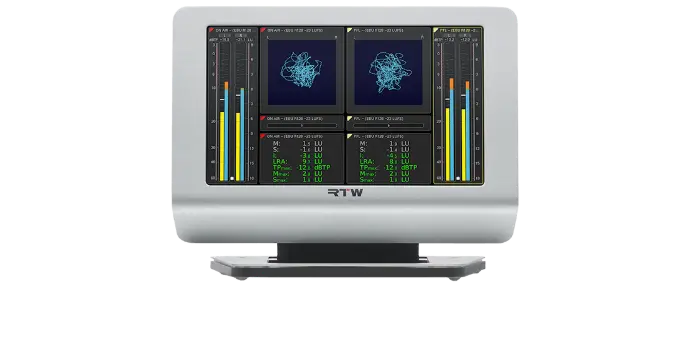
Firmware version 8-05
Important note on updating the firmware
The firmware version of your unit shall be checked: Touch Menu, then touch Info!
Please contact us, if you need interim updates!
Depending on your model, the firmware differs:
TMR7 | TMR7OEM
TMR7-Radio | TMR7-Mount
Documentation
TMR7 | TMR7OEM
Detailed Manual
Data Sheet
Data Sheet, US
TMR7-Radio | -Mount
Detailed Manual
Data Sheet
Data Sheet, US
Miscellaneous
Man. Order License
Tutorial SW20014
Man. GPIO Control
TM7-MA3U | -MAVID
Assembly 19"-3U Rack
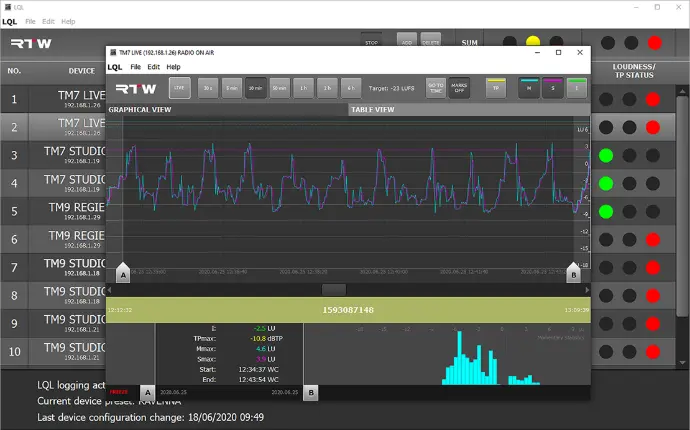
Requires Loudness license SW20002 and Logging Data Server license SW20014 on TM7, TMR7 or TM9 devices and the Logging instrument placed in an audio group on them.
LQL: Loudness Quality Logger for Windows®
TM3 Smart
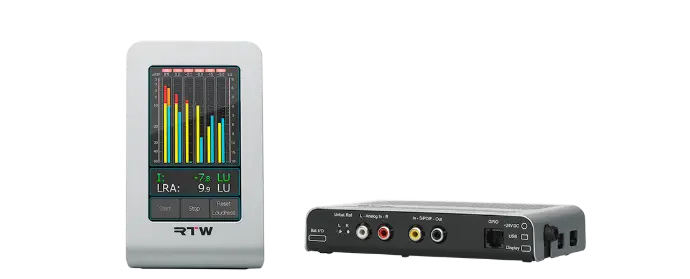
Firmware version 5-02
Please first read the update instructions
Devicer DC1
Device Configurator for personalizing TM3 Smart
Download Devicer DC1 for Max OS X®
Documentation
TM3 Smart
Detailed Manual
Data Sheet
Install in TM3-MA2U
Devicer DC1
Detailed Manual
Visuals
Image Package
TM3-3G Smart
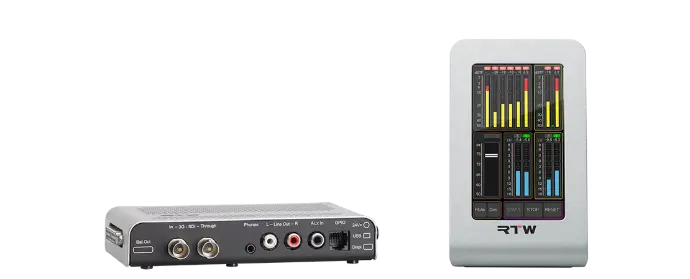
Firmware version 5-02
Please first read the update instructions
Devicer DC1
Device Configurator for personalizing TM3 Smart
Download Devicer DC1 for Max OS X®