Updating Dante Firmware
Keep your Dante device up to date by installing the latest firmware.
Regular updates ensure optimal performance, compatibility, and access to the newest features and improvements.
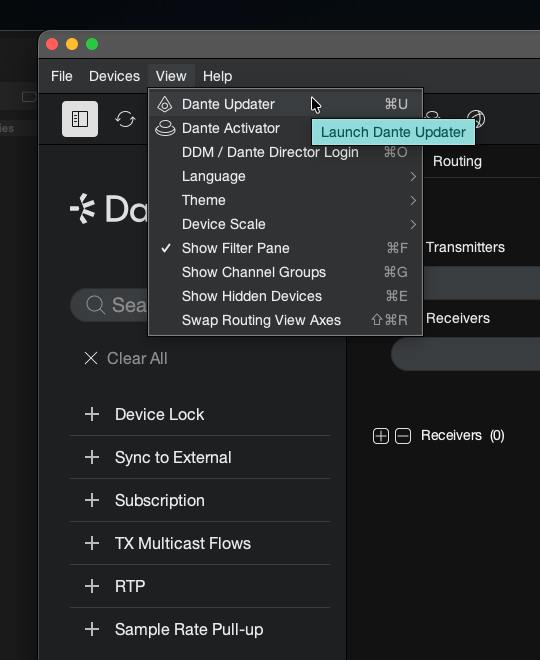
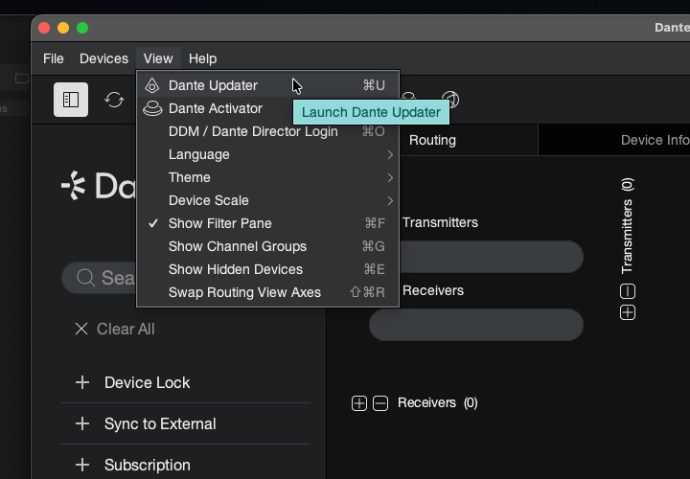
Launch Dante Updater
In Dante Controller, go to View and select Dante Updater.
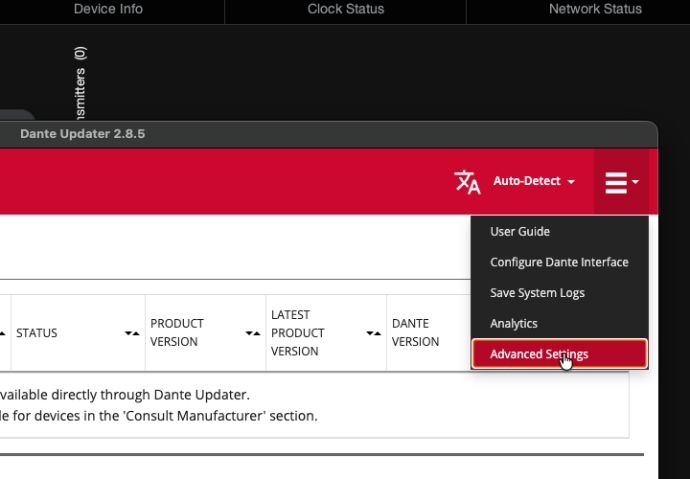
Select Advanced Settings
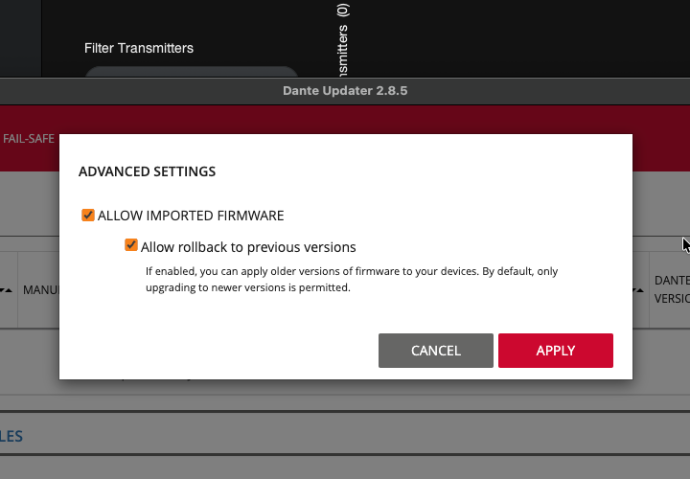
You need to allow imported firmware, and in order to do so, you need to go to Advanced Settings.
Allow Imported Firmware
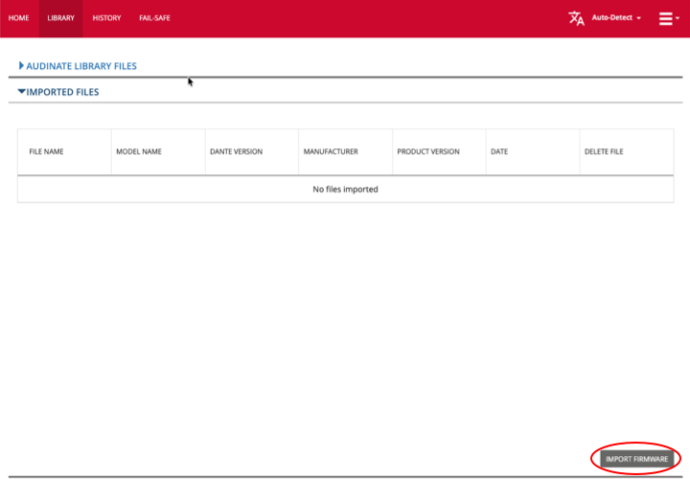
Import Firmware
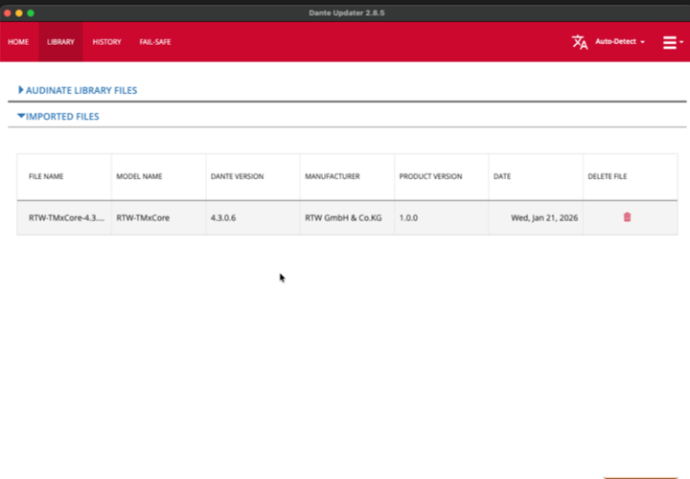
In order to import the firmware file, you would go to LIBRARY > IMPORTED FILES and select IMPORT FIRMWARE.
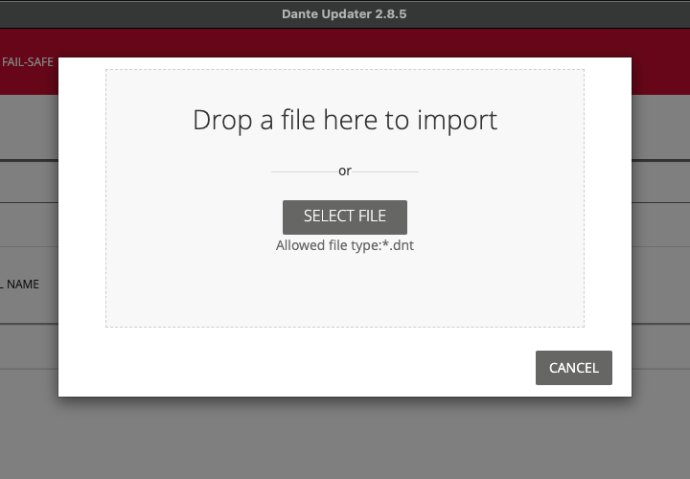
Select File
Update the Device
With the firmware file imported, you can update your device.