Firmware Update Guidelines
- TMxCore
- TouchControl 5
- TouchMonitor 5
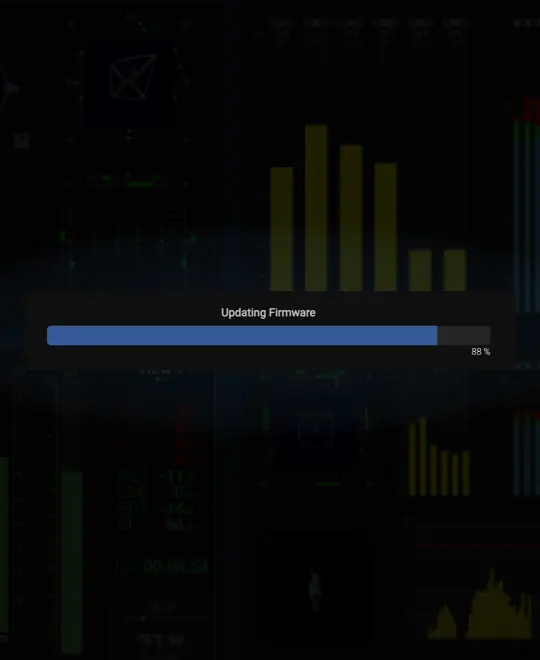
We have observed a number of issues when updating TMxCore, TouchControl 5, and TouchMonitor 5 devices.
The following guidelines will help ensure a successful update.
In recent software releases (2.1.13 +), we have improved the firmware update procedure significantly. Once your device has been updated to the latest software version, these issues should no longer occur.
Ensure a Stable Ethernet Connection
A stable and reliable Ethernet connection is essential when working with your device, and especially when performing firmware updates.
Avoid Disturbing Ethernet Traffic
To minimize network interruptions during the update process, it is recommended to use a direct point-to-point connection.
Optimally, connect the device directly to your computer using a PoE adapter and operate in Link-Local mode.
Load an Empty Preset
To free up as many DSP resources on the device as possible, load an empty preset before starting the update.
We have provided one for your convenience:
Update Stops at 88%
In some cases, the update process may appear to stop at around 88%.
If this happens, the device has often already been updated successfully. Simply disconnect and reconnect the device, then check the firmware version in the Info section to confirm that the update was completed.
Compact Line – RAVENNA
Enable Demo Mode and restart the device before performing the update.
Try again
If the update fails for some reason, just try again.