Network Display
Your Meters, Anywhere
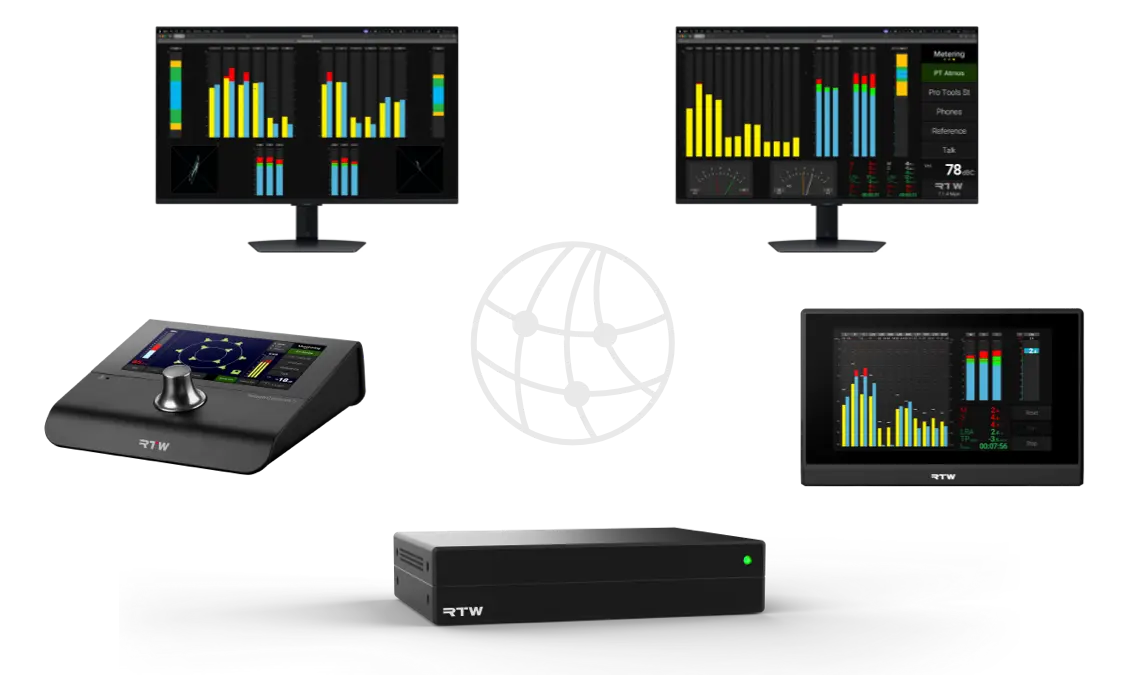
With RTW Network Display, your metering is no longer limited to a single screen. Instantly view your RTW meters remotely in any standard web browser, anywhere on your local network.
Using the latest HTML5 web technology, Network Display delivers fast, responsive, low-latency metering visualization without requiring dedicated software or proprietary clients.
Whether you need a large confidence display in the control room, remote metering in a machine room, or personal monitoring on a laptop or tablet, Network Display gives you the flexibility to place critical audio information exactly where it is needed.
How Network Display Works
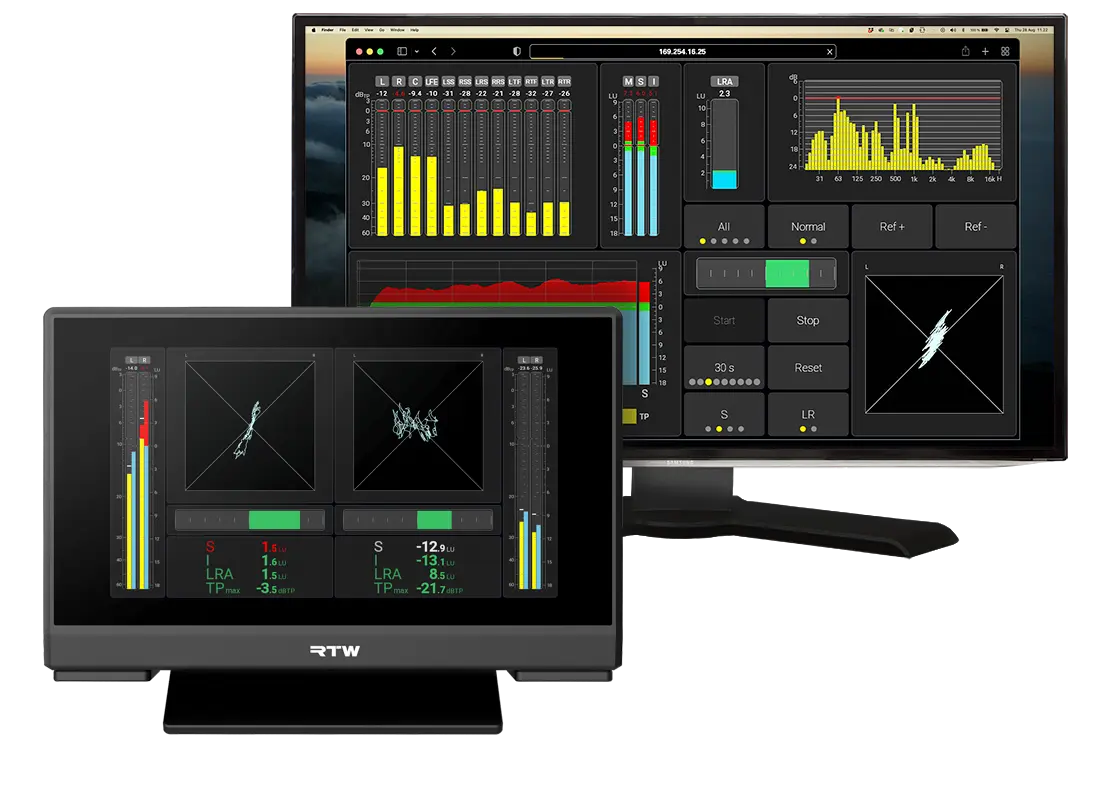
RTW Network Display allows your RTW device to stream live metering views directly over the network to standard web browsers.
The metering itself is always processed inside the RTW device. The browser simply acts as a remote visualization client.
Latency
RTW Network Display is designed for responsive real-time metering and typically operates with very low latency, and works synchronously with the devices screen.
However, the exact latency depends on several factors.
Network performance
Browser performance
Screen resolution
Complexity of the displayed instruments
Number of simultaneous clients
In practice, the visual delay introduced by Network Display itself is usually very small and suitable for real-time monitoring applications.
Screens and views
A view is what you see during your everyday work. It can contain metering instruments, buttons, and other components arranged to match your workflow.
Each view is fully user-configurable, allowing instruments and buttons to be freely positioned anywhere on the screen.
A view can be displayed either on the device’s built-in display or in a browser, using the Network Display technology.
You can display two different views simultaneously: one on the device’s built-in screen and another on a Network Display.
Devices
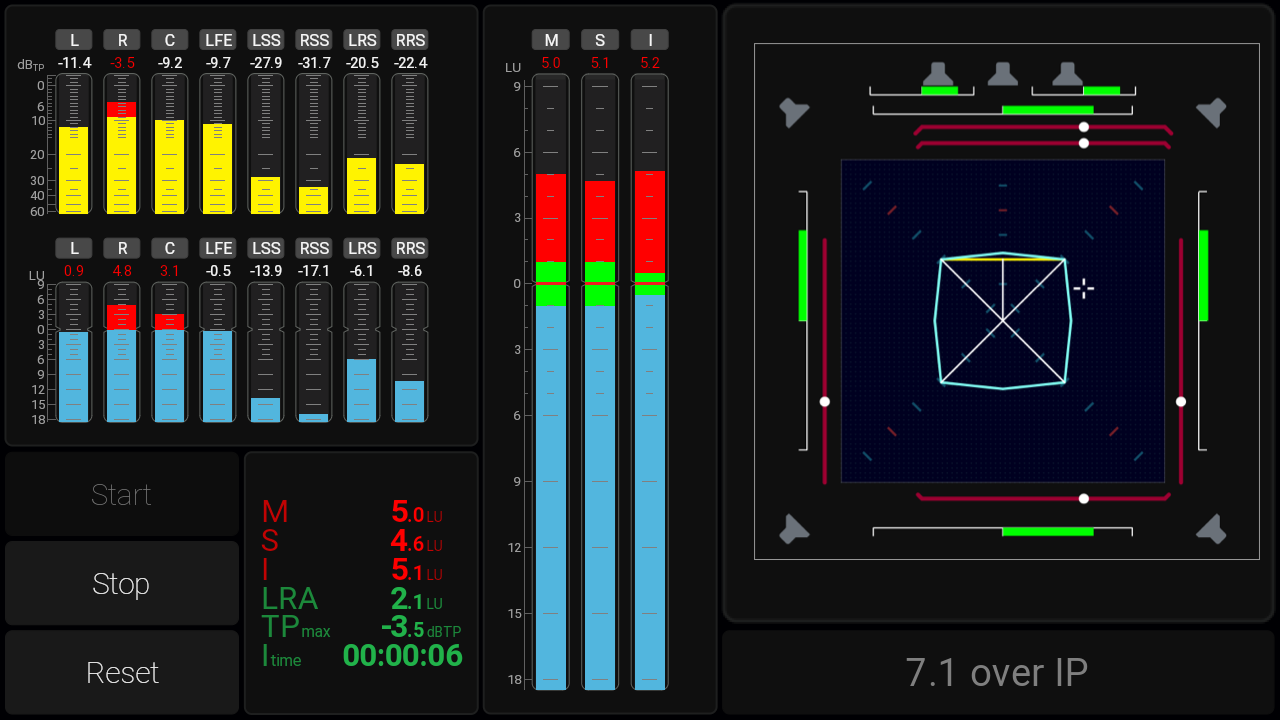
Network Display works slightly differently across RTW devices. Here is an overview of how the different implementations operate.
TMxCore introduces the concept of Virtual Screens. Depending on the installed licenses, additional Virtual Screens can be activated, each capable of hosting multiple independent views for Network Display.
With TouchMonitor 5, a preset can contain up to two views. This allows you to show one view on the physical device and another, or the same one, in a web browser.
TouchControl 5 expands this concept to up to three views, making it possible to display one view on the device itself, another in one browser, and a third view in yet another browser.
TMxCore introduces the concept of Virtual Screens. Each Virtual Screen can contain up to three views. With all 3 Virtual Screen licenses activated, up to 12 individual views can be displayed simultaneously across multiple browsers.