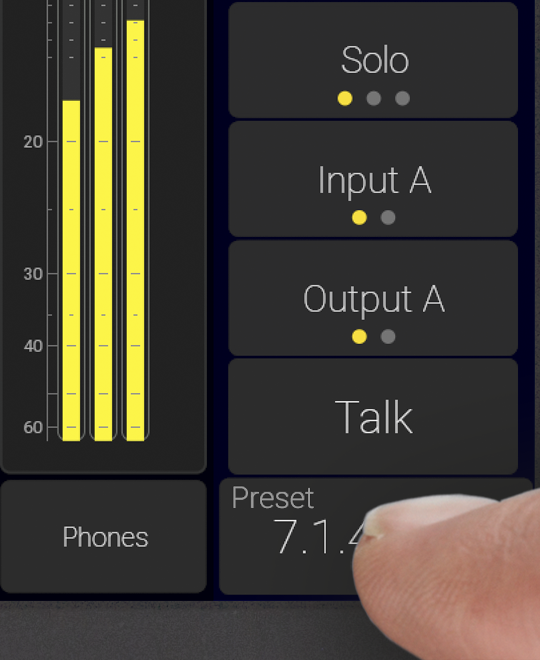
TMxCore
Preset Collection
- Collection of presets for TMxCore
- Crafted for AoIP applications
- Guaranteed support for international standards
Some presets include instruments that require an additional license. No license? No problem. You can still use Demo Mode to explore these instruments and discover their features before activating a license.
How to enable Demo Mode on TouchControl 5, TouchMonitor 5 and TMxCore.
Working with Presets.
Download Preset
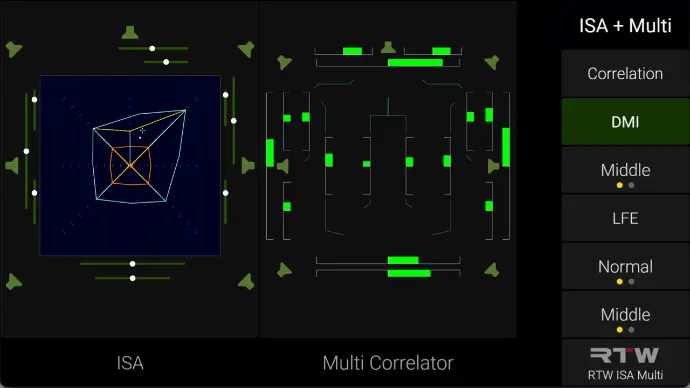
Immersive Analyzer and Multi Correlator
This preset showcases two of the most powerful tools for multichannel metering: the Immersive Sound Analyzer and the Multi Correlator.
Download Preset
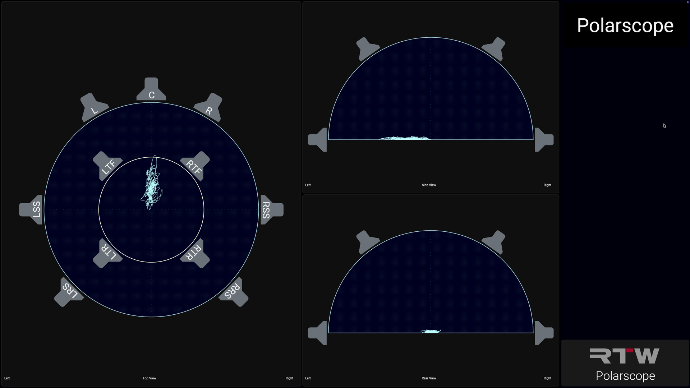
The Polarscope
Here you’ll find demos of the Polarscope, which supports up to three views: Top, Side, and Rear.
Download Preset
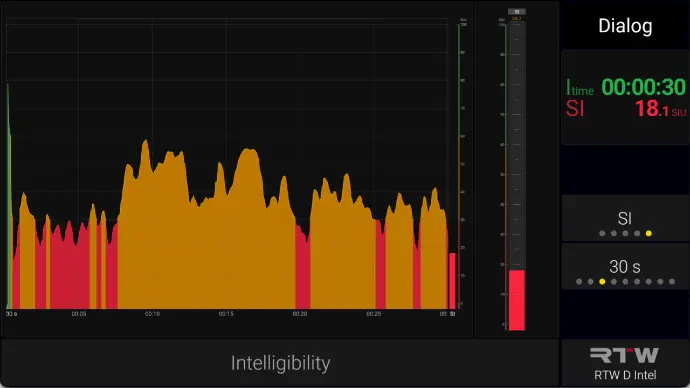
Dialog Intelligibility
Dialog Intelligibility can be displayed as a numeric value, a bargraph, or a chart showing intelligibility over time.
This preset demonstrates all three visualizations.
Download Preset
Loudness based Dialog
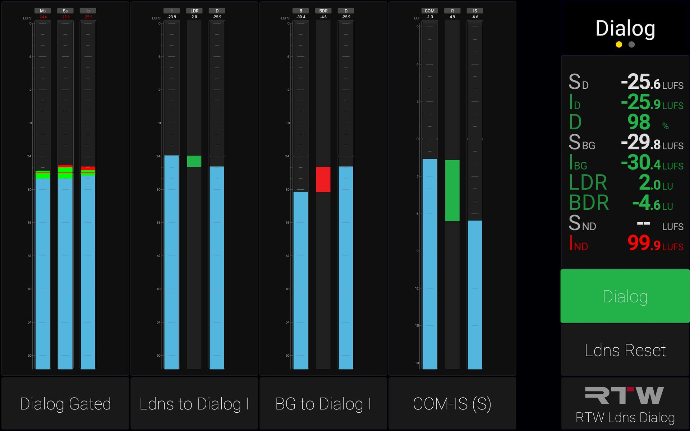
This preset presents several methods for assessing dialog intelligibility using traditional loudness-based measures:
Dialog Loudness, based on Dolby’s Dialog Intelligence
LDR (Loudness to Dialog)
BDR (Background to Dialog)
COM-IS, a setting dedicated to sports, where the Ratio meter shows the relationship between the commentator and the international sound feed.
Download Preset
Matrix Correlator and LFE Bleed
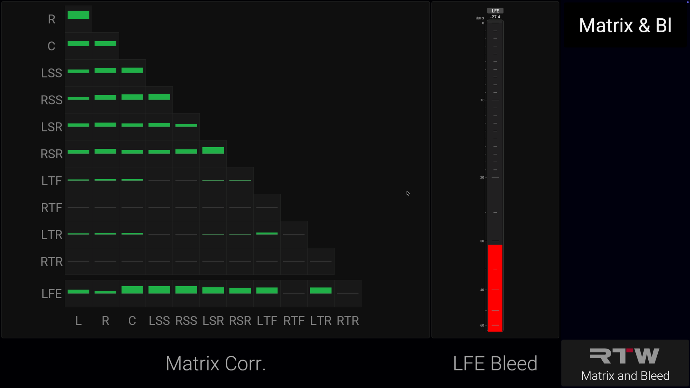
The Matrix Correlator delivers instant visual insight into inter-channel relationships, making it easy to understand correlation across even the most complex multichannel formats at a glance.
The LFE Bleed meter exposes unwanted high-frequency energy leaking into the LFE channel, giving you precise control over low-frequency management and ensuring cleaner, more accurate immersive mixes.
Download Preset
7.1.4
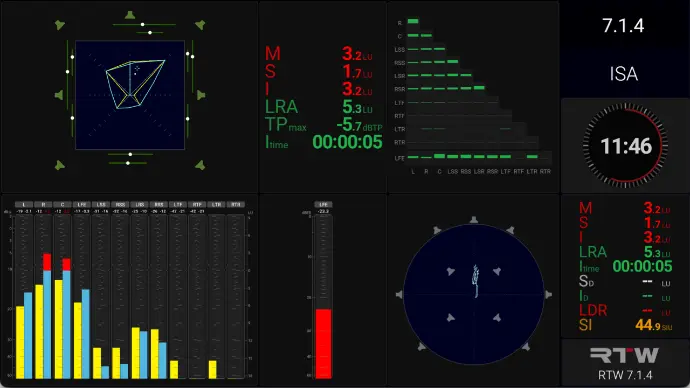
Made for 7.1.4 Atmos, this preset demonstrates a number of tools relevant for measuring immersive configurations.
Download Preset
Tools
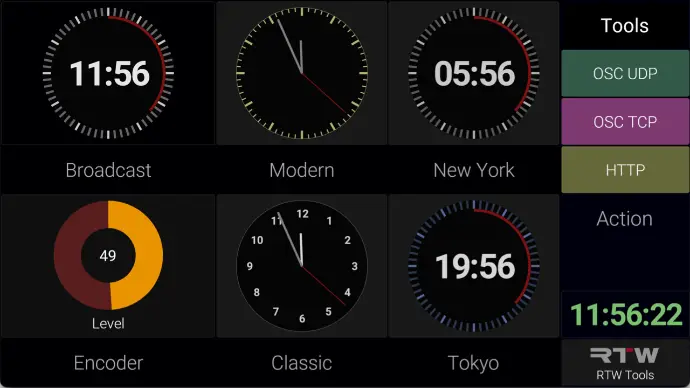
The TMxCore toolbox includes a wide range of powerful and flexible tools. The Clock offers multiple faces, customizable colors, and support for different time zones.
Actions is a category in its own right: Action buttons let you trigger OSC events to control external devices, enabling seamless integration and advanced workflow automation.
Download Preset
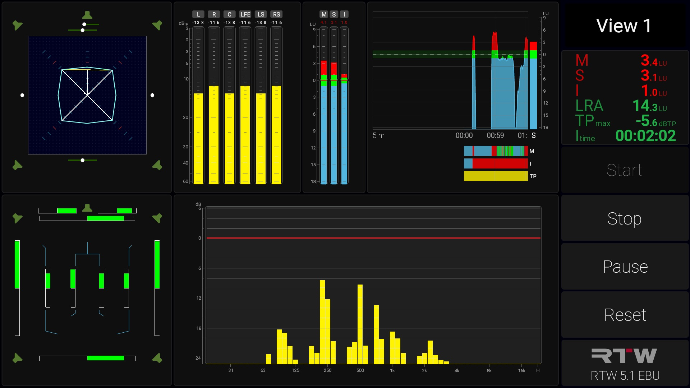
5.1 EBU
TMxCore is perfectly suited for 5.1 surround applications. This preset provides a comprehensive overview of loudness as well as the spectral content of the audio.
Requires Firmware Version 2.3
The presets below feature functionality introduced in firmware version 2.3.
Download Preset
Internal Routing
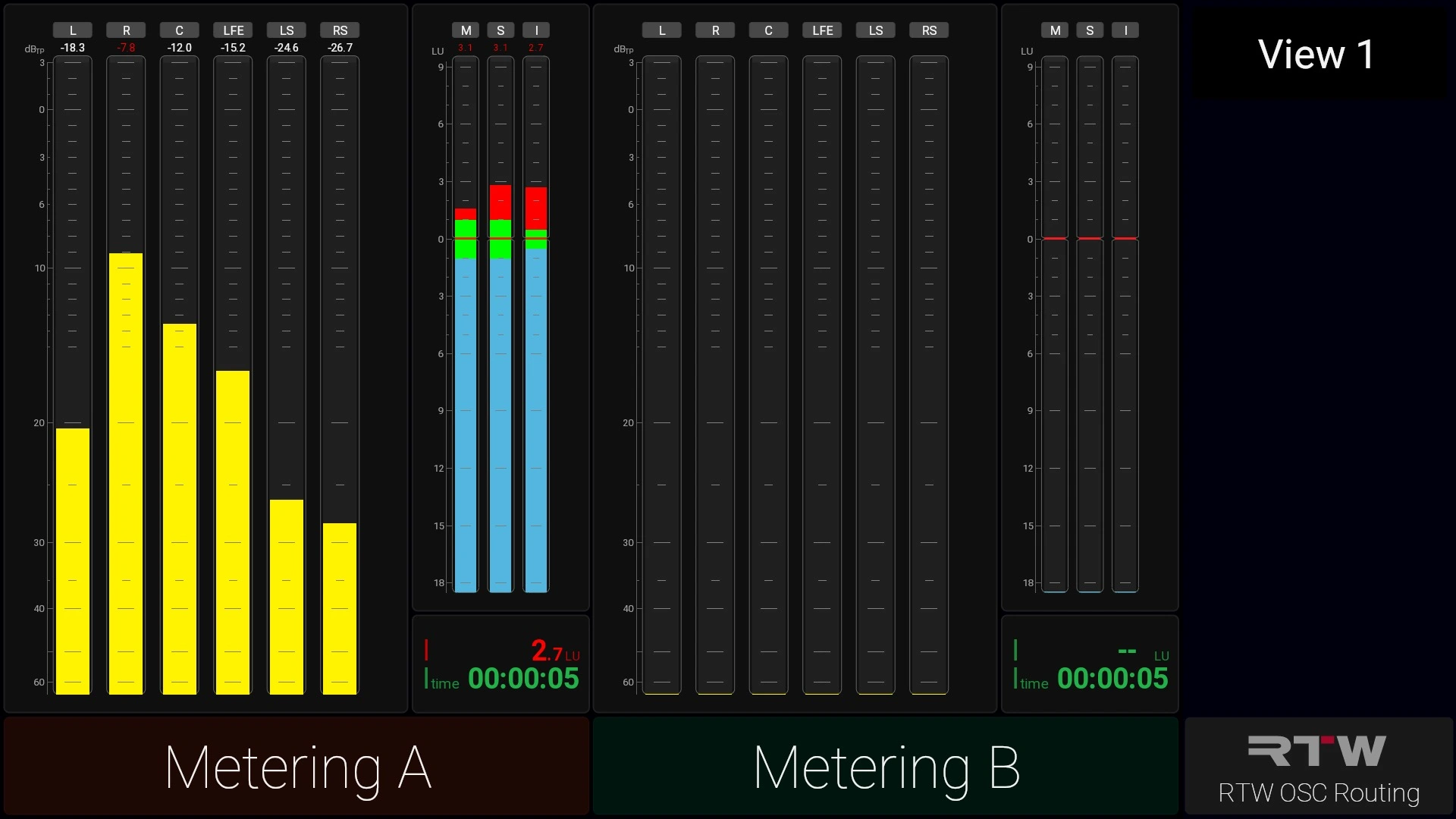
This preset demonstrates how the internal routing can be changed either directly on the device or remotely using OSC commands.
Whenever the routing is changed, the loudness measurement is automatically reset, also using OSC.