Modern broadcast facilities are no longer confined to a single control room. Production teams are spread across multiple workstations, machine rooms, studios, control rooms, and remote locations. The need for flexible, accessible metering has never been greater.
That’s why we developed RTW Network Display.
RTW Network Display extends the metering capabilities of TMxCore, TouchMonitor 5, and TouchControl 5 beyond their physical displays, allowing operators to monitor audio from virtually anywhere on the network using a standard web browser.
Your Meters. Anywhere on the Network.
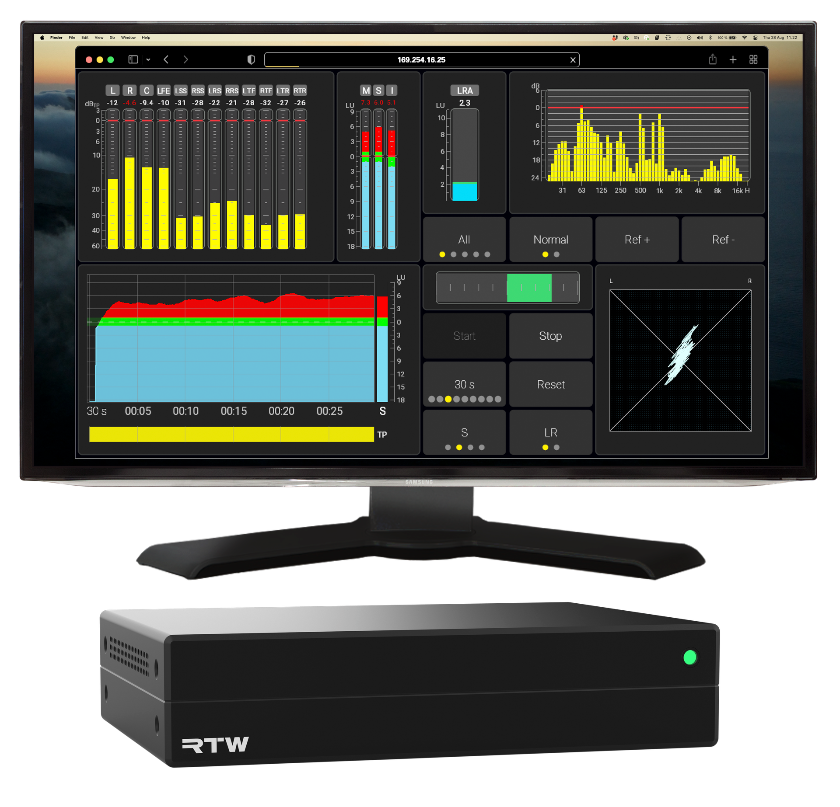
RTW Network Display provides a live view of your RTW device directly in a browser. Whether you’re monitoring loudness, surround correlation, spectrum analysis, or system status, the information is always available where it’s needed.
The latency introduced by Network Display itself is approximately 1 ms, plus any additional latency introduced by the network
There is no dedicated software to install and no special hardware required. Simply open a supported web browser and connect to the device.
This makes RTW Network Display ideal for:
- Broadcast control rooms
- Machine rooms
- QC workstations
- Engineering desks
- Technical supervisors
- Production offices
- Remote monitoring positions within the facility
Designed for Modern Broadcast Facilities
Today’s facilities often involve multiple operators, each with different responsibilities.
An engineer may need detailed Loudness and True Peak measurements, while an operator focuses on transmission confidence. Another user may simply want a large surround meter visible from across the room.
RTW Network Display allows each display to present exactly the information required for its specific role.
Because the displays are browser-based, they can easily be deployed on existing PCs, large monitors, wall displays, or compact operator workstations.
Virtual Screens for TMxCore
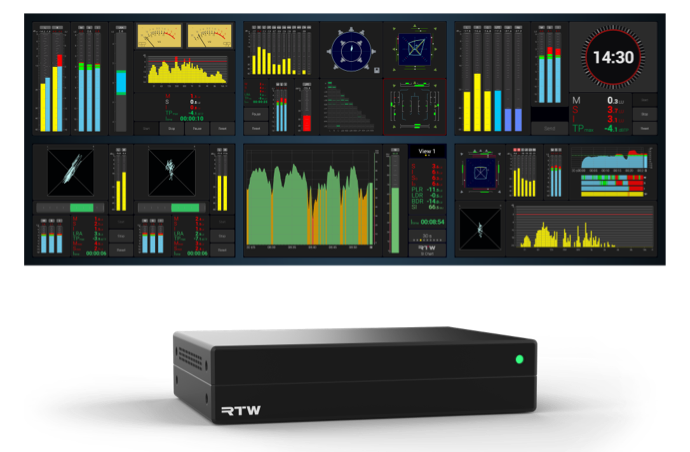
Firmware Version 2.2 introduces one of the biggest enhancements to RTW Network Display: Virtual Screens for TMxCore.
Each Virtual Screen is completely independent and includes:
- Individual screen resolution and aspect ratio
- Independent sidebar configuration
- Three dedicated Views per screen
- Its own browser URL for direct access
For example:
- Control Room: Loudness and True Peak
- Audio Engineer: Correlation, Polarscope, and Immersive Sound Analyzer
- QC Position: Loudness History, Alarm Status, and Routing Information
- Engineering Office: Hardware Status and System Monitoring
Every user sees only the information relevant to their task.
Access Displays Directly
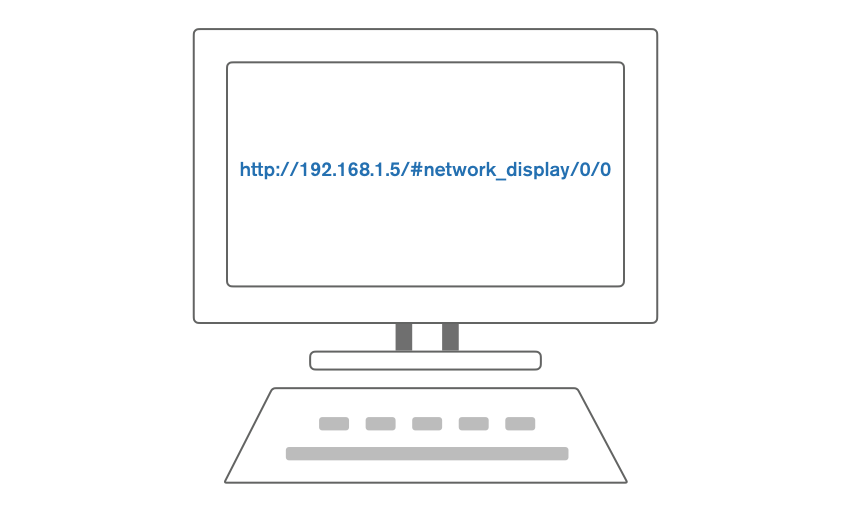
The RTW Network Display technology offers direct URL access.
Instead of navigating through the WebApp, individual screens and views can now be opened directly using their own URL.
This makes it easy to:
- Create browser bookmarks
- Launch displays automatically
- Integrate displays into control room workstations
- Open dedicated monitoring pages with a single click
An Efficient Use of Resources
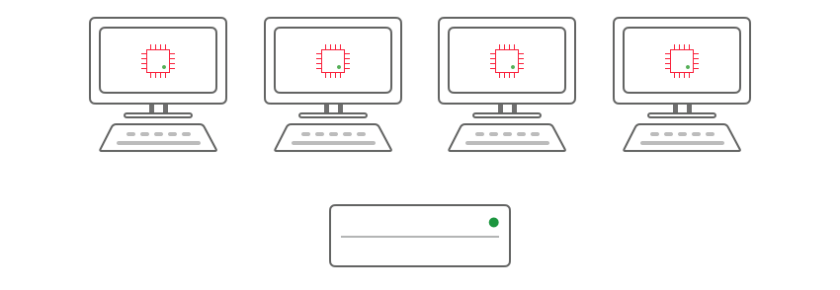
RTW Network Display is designed to scale across larger installations.
Each browser instance consumes processing resources on the local computer displaying the meters, leaving more processing resources available on the device.
This means performance depends on the computer running the browser.
For larger facilities, the recommended approach is to distribute Network Displays across multiple computers, allowing each workstation to display its own dedicated monitoring view.
Fully Integrated with Your Presets
RTW Network Display is not a separate application.
When a preset is recalled, the associated layouts, views, and Virtual Screens are instantly available, ensuring consistent operation throughout the facility.
The enhanced Preset Editor introduced in Version 2.2 makes configuring these displays faster and more intuitive than ever before.
More Than Remote Viewing
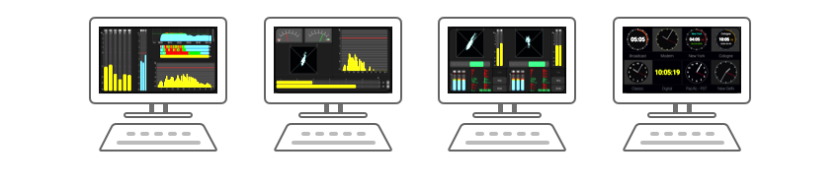
RTW Network Display is more than simply mirroring a display.
It enables distributed monitoring throughout a facility, allowing operators to place the right information exactly where it creates the most value.
Whether you’re supervising loudness in master control, checking surround integrity in production, monitoring system health in engineering, or displaying confidence meters in a machine room, RTW Network Display provides immediate access to the information you need.
Monitoring Without Boundaries

Broadcast workflows continue to evolve toward IP-based infrastructures and distributed production environments.
RTW Network Display follows the same philosophy, giving broadcasters the freedom to place professional metering wherever it’s needed without adding dedicated display hardware or complex software installations.
With the introduction of Virtual Screens in Version 2.2, RTW Network Display becomes an even more powerful part of the RTW ecosystem, bringing flexible, browser-based metering to every corner of your facility.